
Click to download now, finish the installation quickly, and directly unlock the all-round experience
Screenshots






Click to download now, finish the installation quickly, and directly unlock the all-round experience
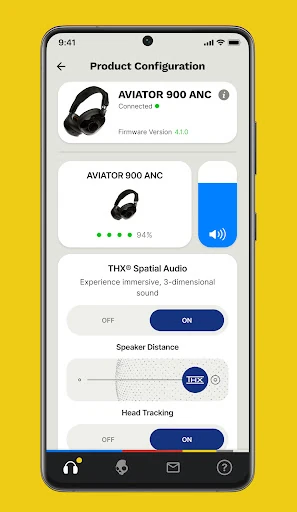
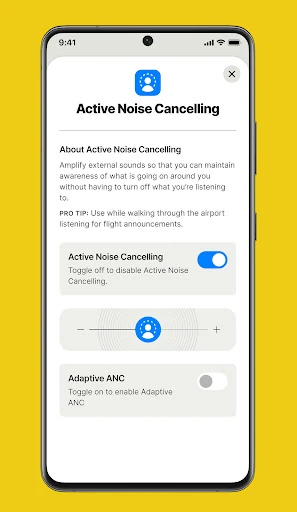
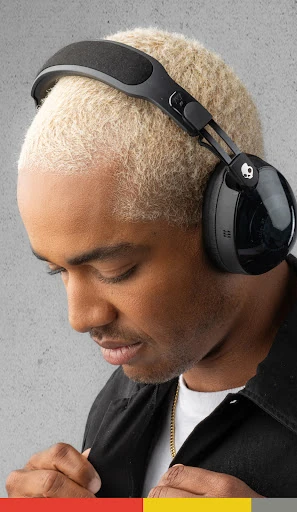
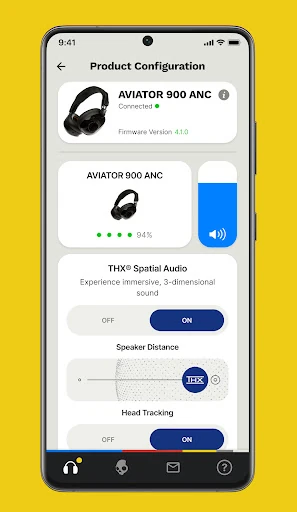
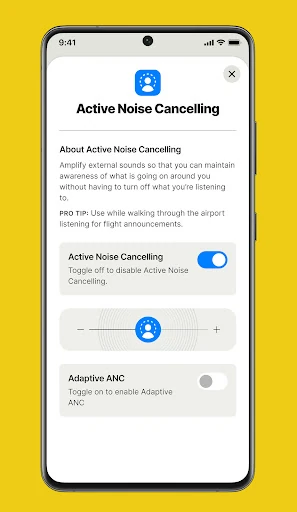
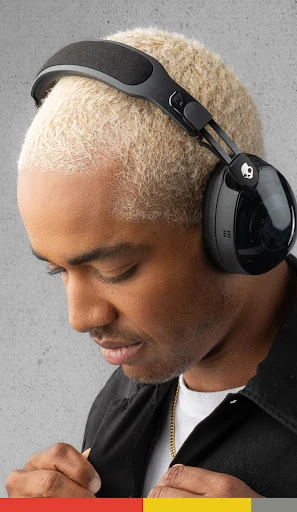
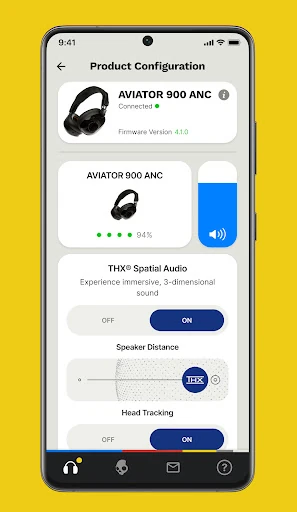
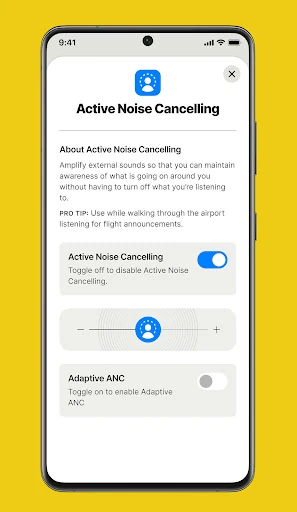
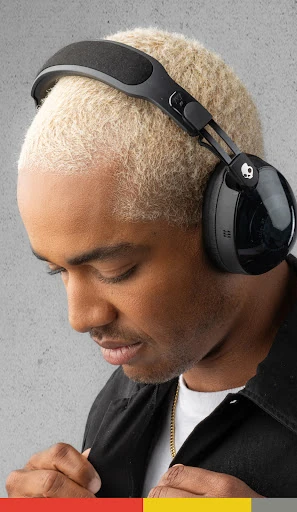
Skullcandy is a companion app for managing compatible Skullcandy headphones and earbuds on Android. It suits listeners who want more control over their device settings than the basic Bluetooth menu provides. The app brings supported product controls, sound personalization, firmware updates, and help resources into one place. It is published by Skullcandy Inc. and listed in the Music & Audio category.
A key feature is Personal Sound, which uses a hearing assessment to create an audio profile tailored to the way you hear different frequencies. Depending on the connected model, you can also select equalizer settings or listening modes to change the sound for different types of music and everyday use. This makes the app more useful for owners who want a more individual listening setup rather than a single fixed sound profile.
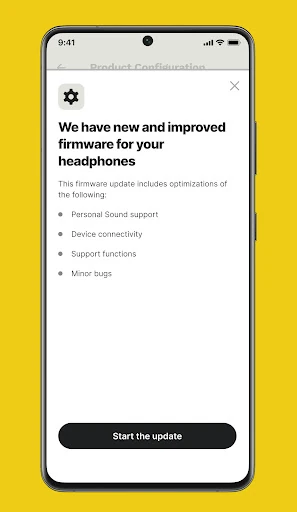
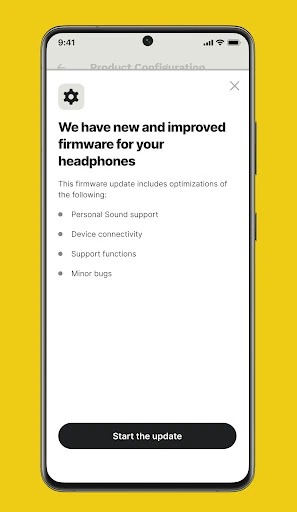
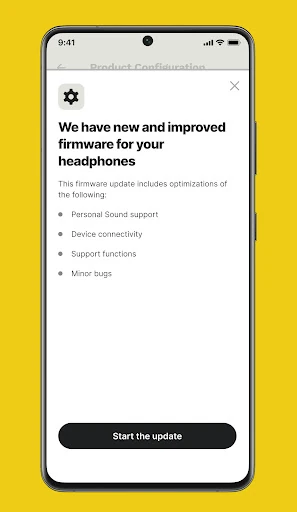
The app can provide firmware updates for supported Skullcandy products, helping keep headphones and earbuds current. It also offers access to product information, manuals, and support resources, which can be useful when checking controls or resolving connection and setup questions. Available functions depend on the Skullcandy model connected to the phone, so not every feature appears for every device.
Skullcandy has recorded 1,000,000+ installs and a rating of about 3.22 out of 5 from 14,999 reviews. The app is most relevant to people who already use compatible Skullcandy audio hardware. If your headphones or earbuds are not supported, the app may offer limited value; for supported devices, it provides a central place to adjust sound, check updates, and find product assistance.