AR Drawing: Learn How To Draw
Monkey AI Studio
Downloads
500,000+
Version
Latest
Click to download now, finish the installation quickly, and directly unlock the all-round experience
Screenshots
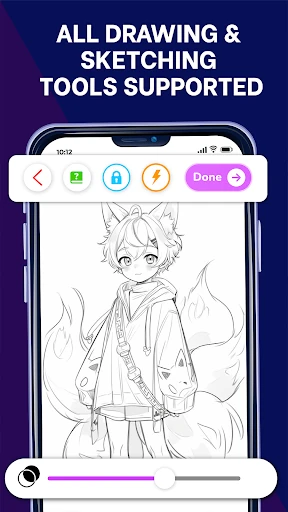
Click to download now, finish the installation quickly, and directly unlock the all-round experience
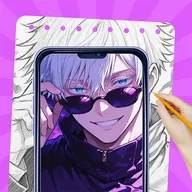
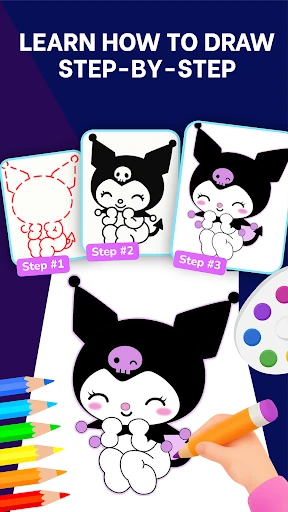
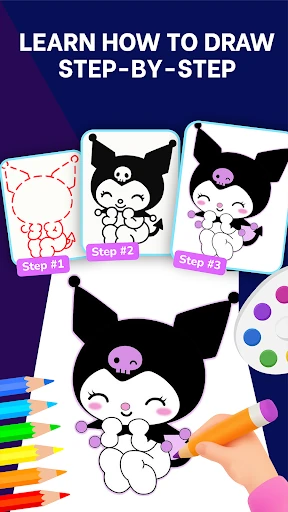
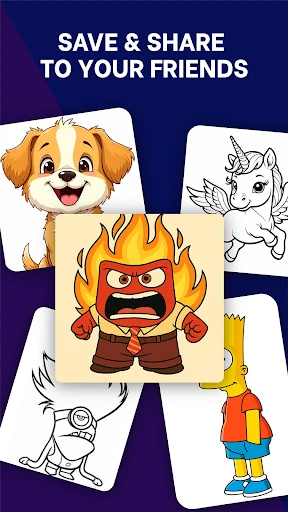
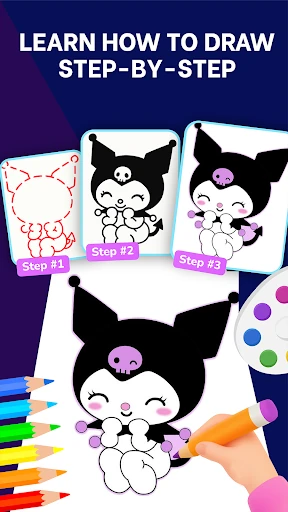
AR Drawing: Learn How To Draw helps beginners and developing artists sketch by placing a digital image over the real drawing surface through the phone camera. You can follow the visible outline on paper while using the reference to improve proportions, placement, and line control. It suits anyone who wants guided practice rather than starting with a blank page.
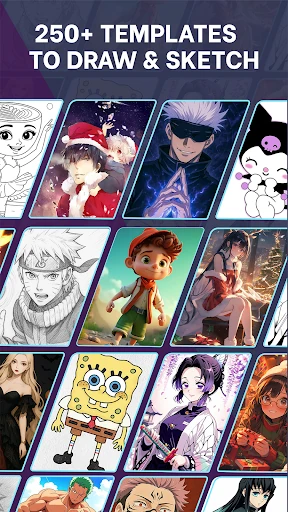
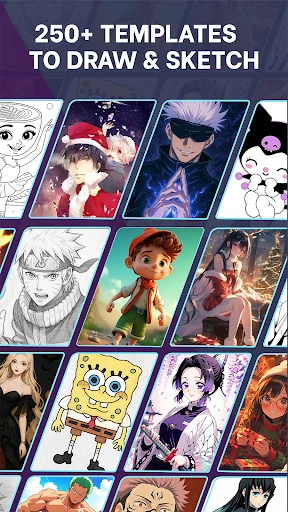
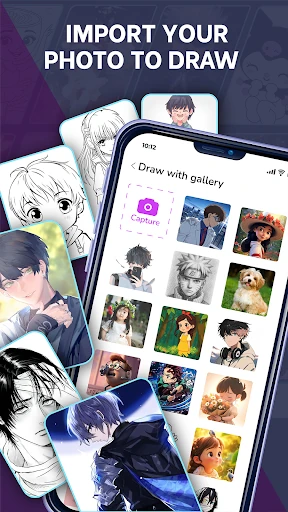
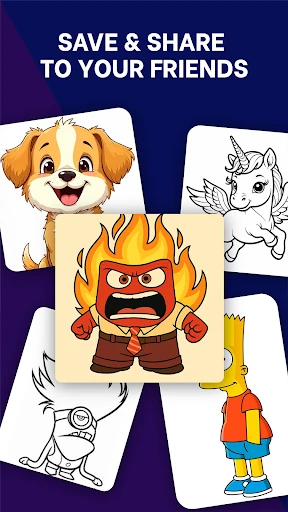
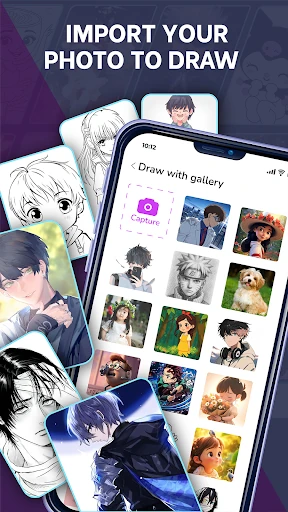
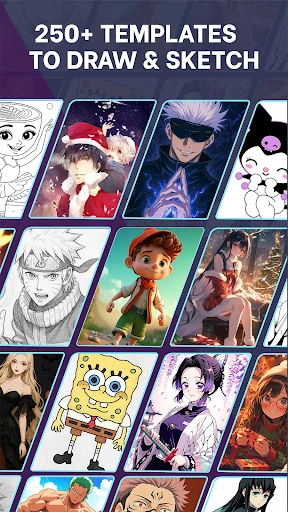
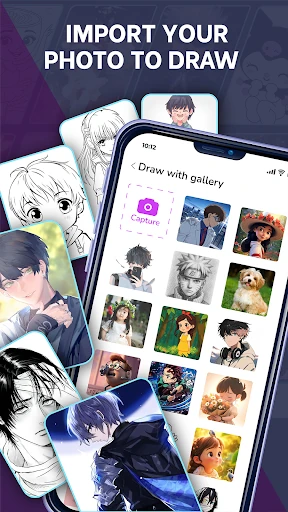
The app includes more than 250 drawing templates covering a range of subjects and styles. You can also import a personal photo and turn it into a traceable reference, which is useful for working with portraits, pets, or other subjects that are not included in the built-in collection.
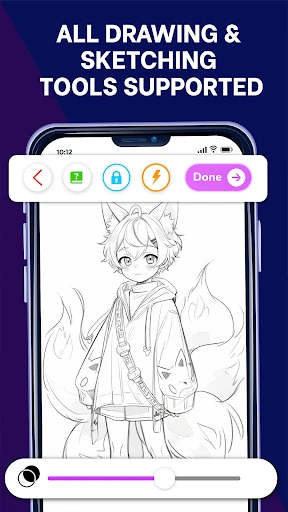
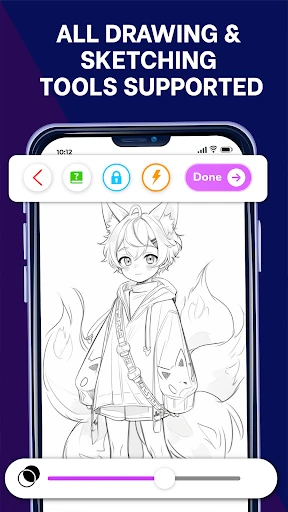
The main drawing view keeps the camera feed and overlay at the center of the experience, so your paper remains visible while you work. A stable phone position and a suitable surface are important for keeping the projected guide aligned. The app is designed to support physical drawing, not replace it, making it useful for tracing practice and gradual skill building.
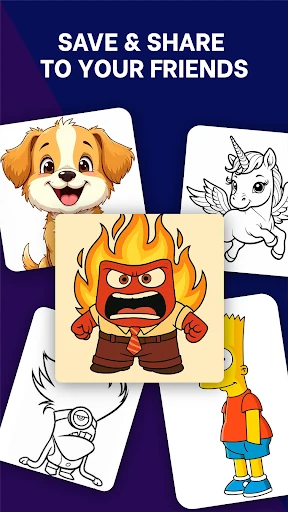
Published by Monkey AI Studio in the Art & Design category, the app has a 4.26/5 rating from 1,576 reviews and more than 500,000 installs. A collection area lets you keep track of saved work and review your progress as you complete more drawings.